Design. Align. Assign.

One workspace where the calendar, the money, the medicine cabinet and the school run stop living in six different apps — and start talking to each other.

LIVE DEMO · NO SIGN-UP · RESETS EVERY 3H
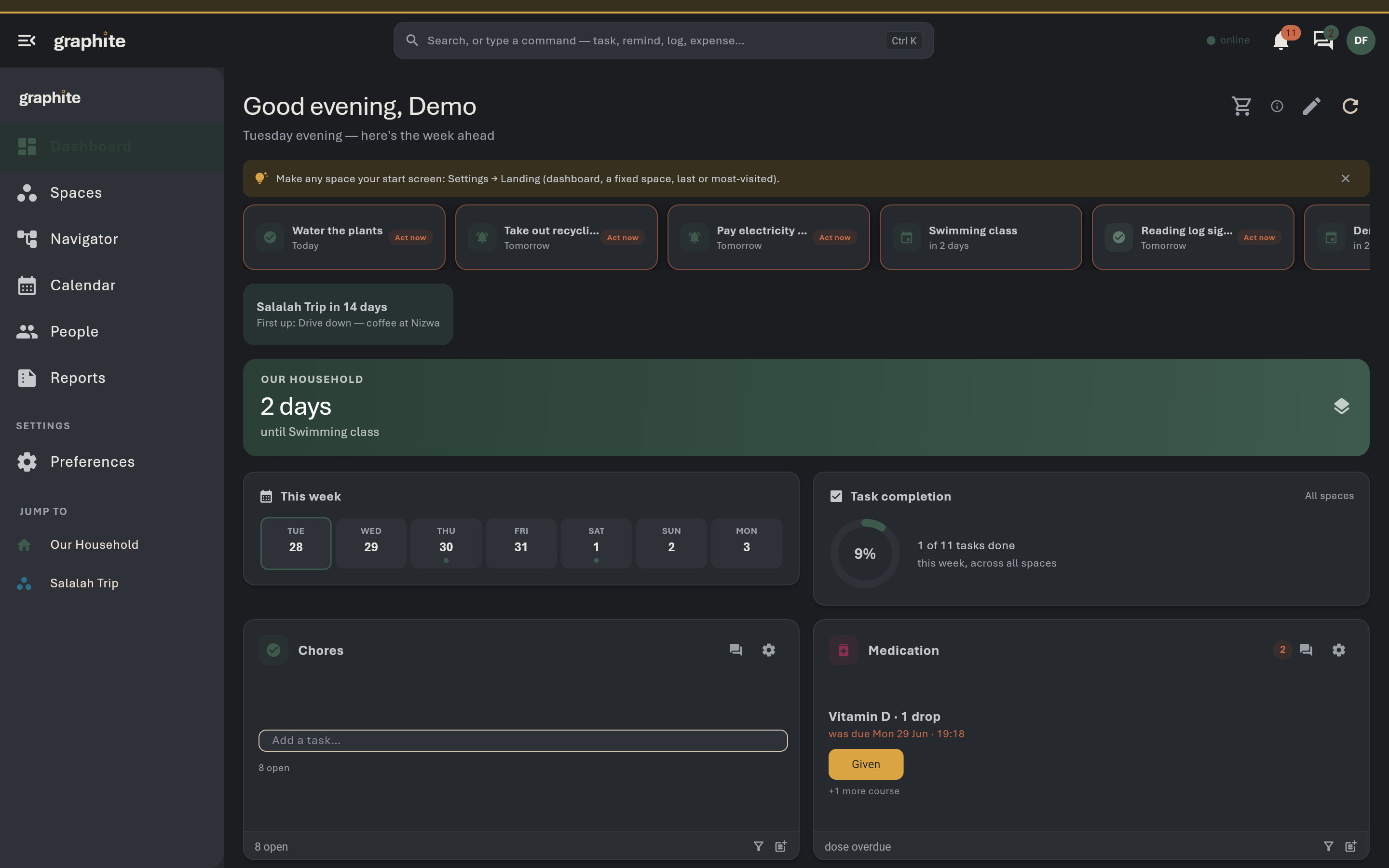
The graphite dashboard — today, ranked by urgency
THE DASHBOARD · RANKED BY URGENCY · LIVE IN THE DEMO
28module types
Liveshared demo, open now
3hdemo reset cycle
0sign-up to try it
01 · Design

Design your Space.

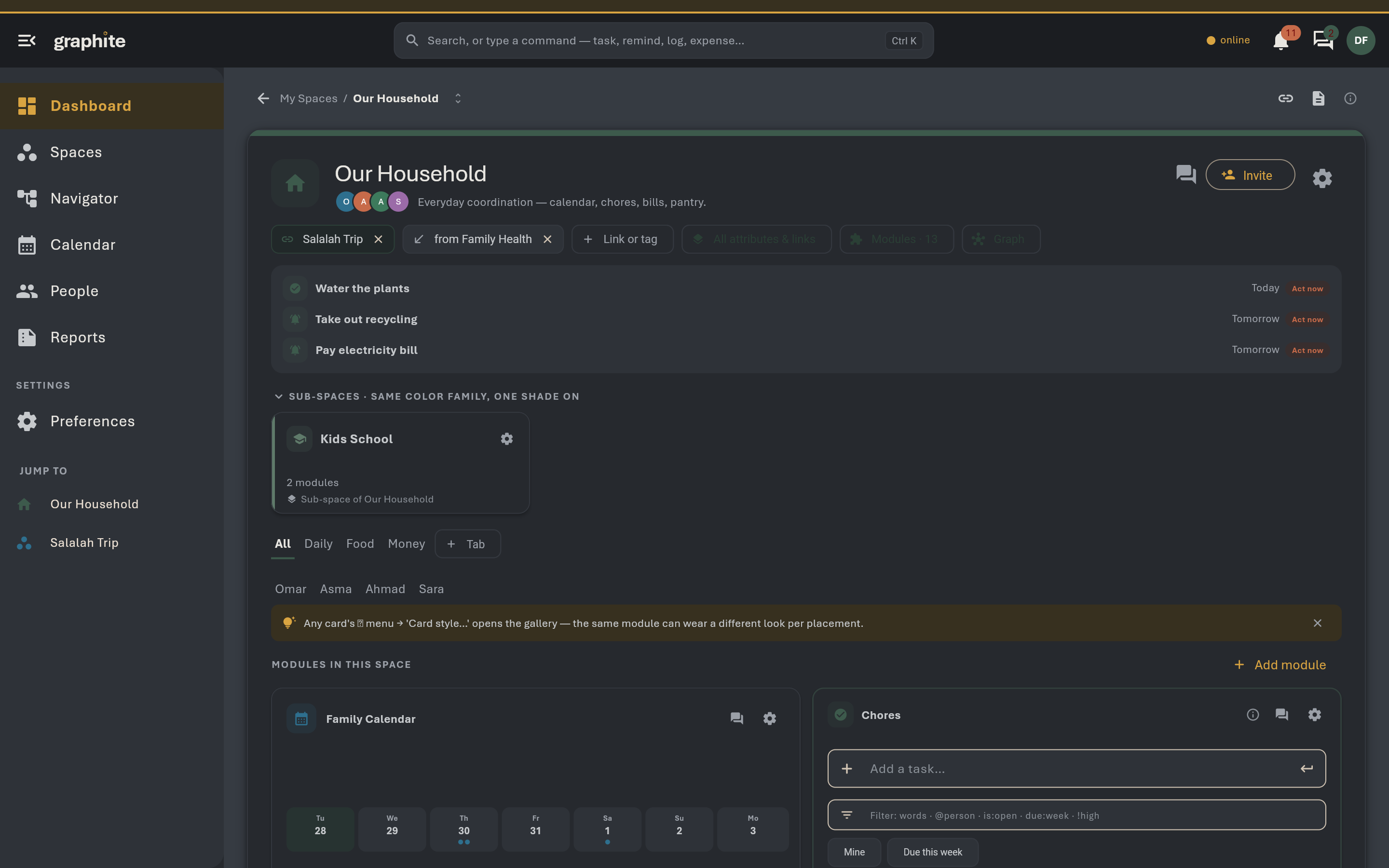
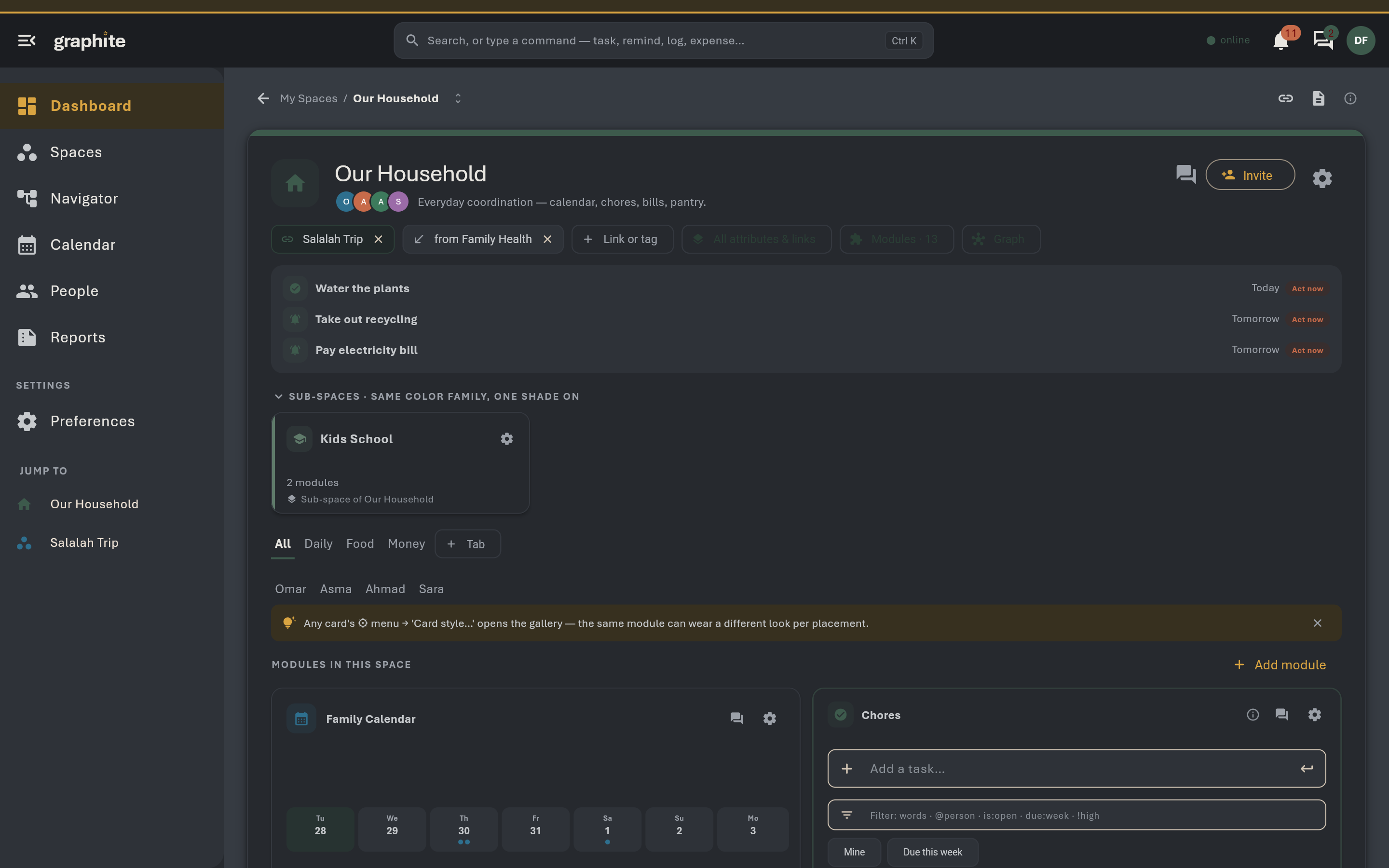
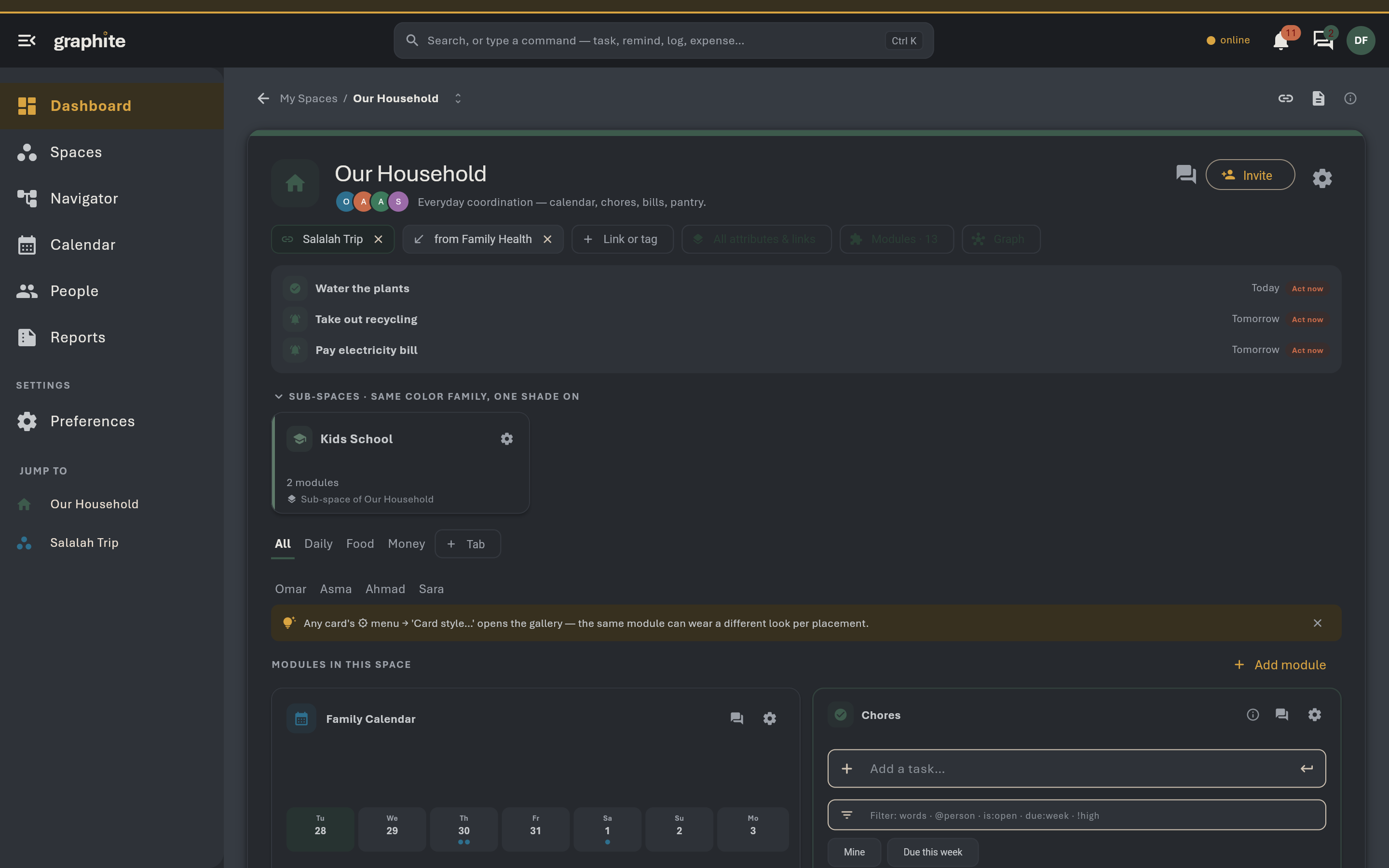
A home, a trip, the car, a person you care for — each gets a Space you compose from 28 module types, arranged like a desk.

Any mix, any number — two task lists is fine. Hide a module and its data waits. Drag a card’s corner and the same module becomes a glance tile, a week strip or a full board.
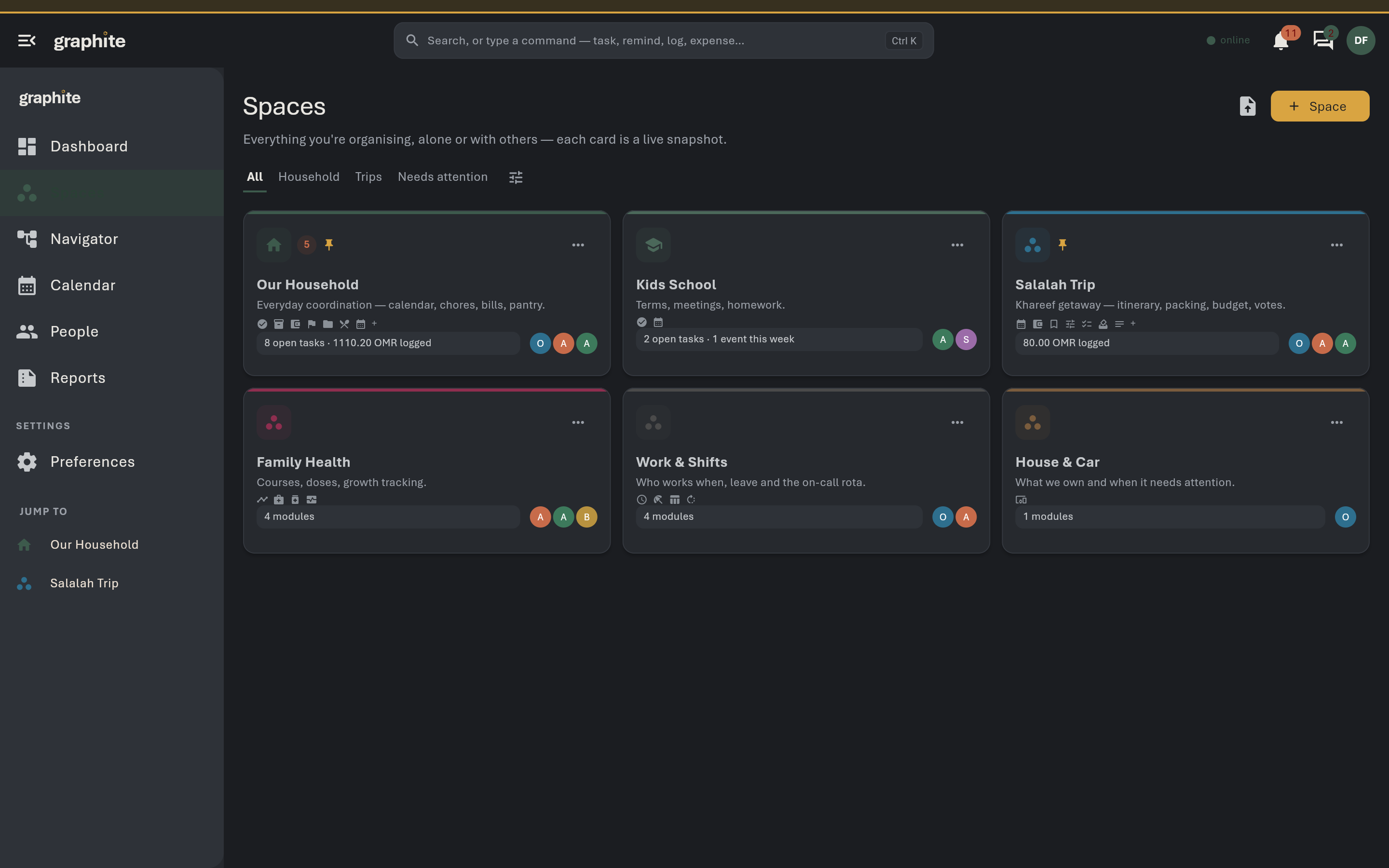
28 module typesCards resize — 7 presetsTemplates for the common starts
A Space board with its module cards
A household Space and its cards
02 · Align

Align the week.

Shifts, leave, habits and events land on one shared calendar — and graphite computes the coverage gaps nobody noticed.

Work patterns plus exceptions resolve into the days when nobody can do the school run, before they become an argument. Every Space and module carries its own thread; one inbox gathers them all.
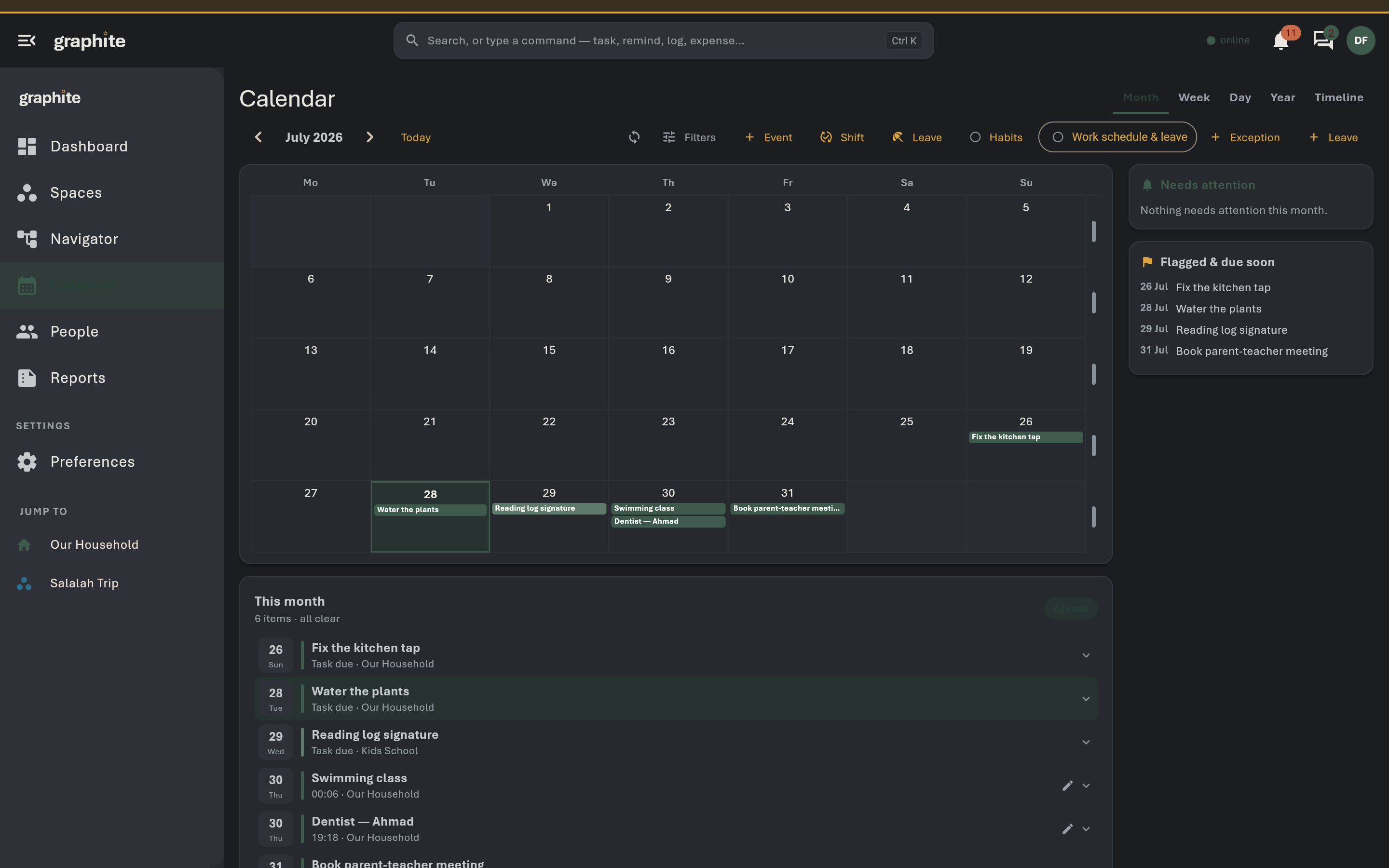
Computed coverage gapsA thread per moduleOne inbox, tap-through
The shared calendar with shifts and leave layered on
One calendar — shifts, leave, events
03 · Assign

Assign it — it’s handled.

Everyone has a page — pets too — and what you assign to a person gathers there by itself.

Every alert arrives holding its own fix: “Mark paid” on a bill, “Log dose given” on a medication, an inline renew form on an expiring document. The rota keeps turns fair, even after a swap.
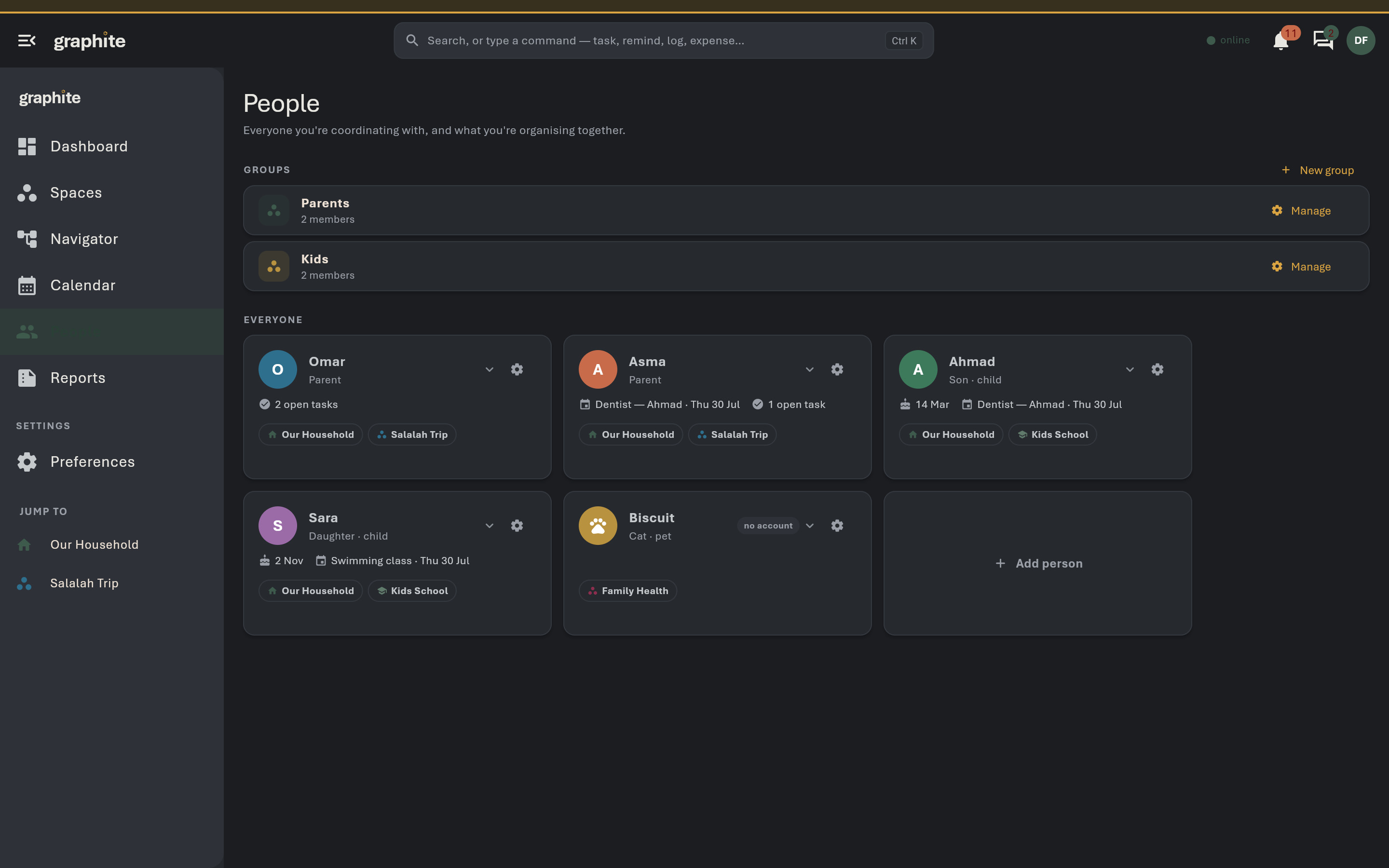
Act-now pillsType-appropriate fixesRota stays fair
Everyone in the workspace, each with their own page
People are first-class — pets included
04 · Linked

Linked, not copied.

Tie a bill to the car, a document to a person, a task to a trip — one record, many doors.

Nothing is duplicated, nothing goes stale, and the graph is what shines through: a live map of how the parts of your life actually touch. Same people → same Space. Part of a bigger thing → nest it. Different people → separate it.
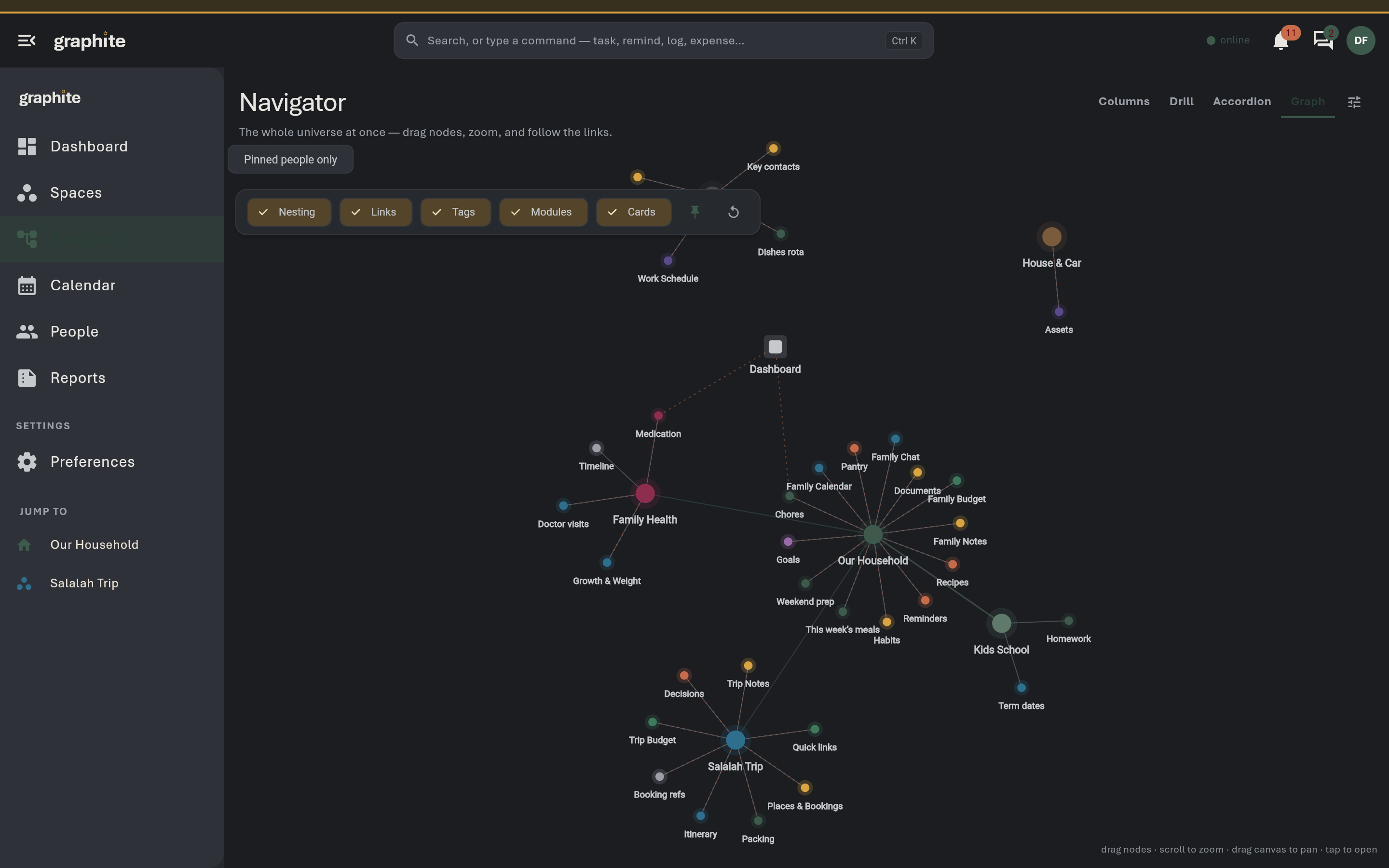
Nothing duplicatedLive linked tablesTags cut across everything
The graph of linked Spaces and records
The graph — your life, held up to the light
05 · The modulestwenty-eight, one grammar

Everything that lives on the desk

Tasks module
Tasks
Medication module
Medication
Expenses module
Expenses
TasksShared to-dos with owners, dates, repeats and streaks.CalendarEvents, recurrence, layers — every dated thing in one grid.NotesQuick shared notes with markdown, pins and colors.SuppliesStock levels in, shopping list out.ExpensesSpend, budgets, splits, settlement, accounts, trends.ChecklistsReusable, resettable lists with sections — packing lives here.Goals & HabitsDaily check-ins, honest streaks, numeric goals.MedicationCourses, dose logging, safety timing, refills — private by design.MeasurementsReadings over time with real trend charts.ReferencesLinks, products and places with live previews and a research pipeline.DocumentsThe family filing cabinet with expiry radar.RotaFair rotation of recurring duties.TablesYour own columns — or a live window on another module.Work ScheduleShift patterns, exceptions, and coverage gaps.VotingFamily decisions without the group-chat spiral.RemindersOne-off nudges that actually nudge.AssetsAppliances and vehicles with service memory.PlacesSaved places — one home, map-ready.TimelineThe Space's whole history, computed live.DetailsFree-form key→value facts for this Space.GoalsNumbers moving toward targets.LeaveTime off, visible to everyone planning around it.Person DetailsEverything linked to this person, auto-collected.DiscussionTalk where the thing being discussed lives.RecipesThe family cookbook, wired to the shopping list.Meal PlanA week of meals, from the recipes you already keep.Doctor VisitsThe hub the rest of a health episode hangs off.AssignedEverything linked to one person, gathered automatically.
06 · Your pencilpick one — the page follows

Eight pencils in the tin

Spaces carry their own colour, and so does the whole interface. Choose a pencil and watch this page change with you — the same switch lives in the app.

go on — click one

07 · Two lightingsgraphite / paper

Dark isn't a mode. It's the material.

Pencil lead is dark grey with a faint sheen — never pure black. The app is Graphite by default, and the toggle isn't dark/light, it's the pencil and the page. Try the switch in the corner; this whole site obeys it too.
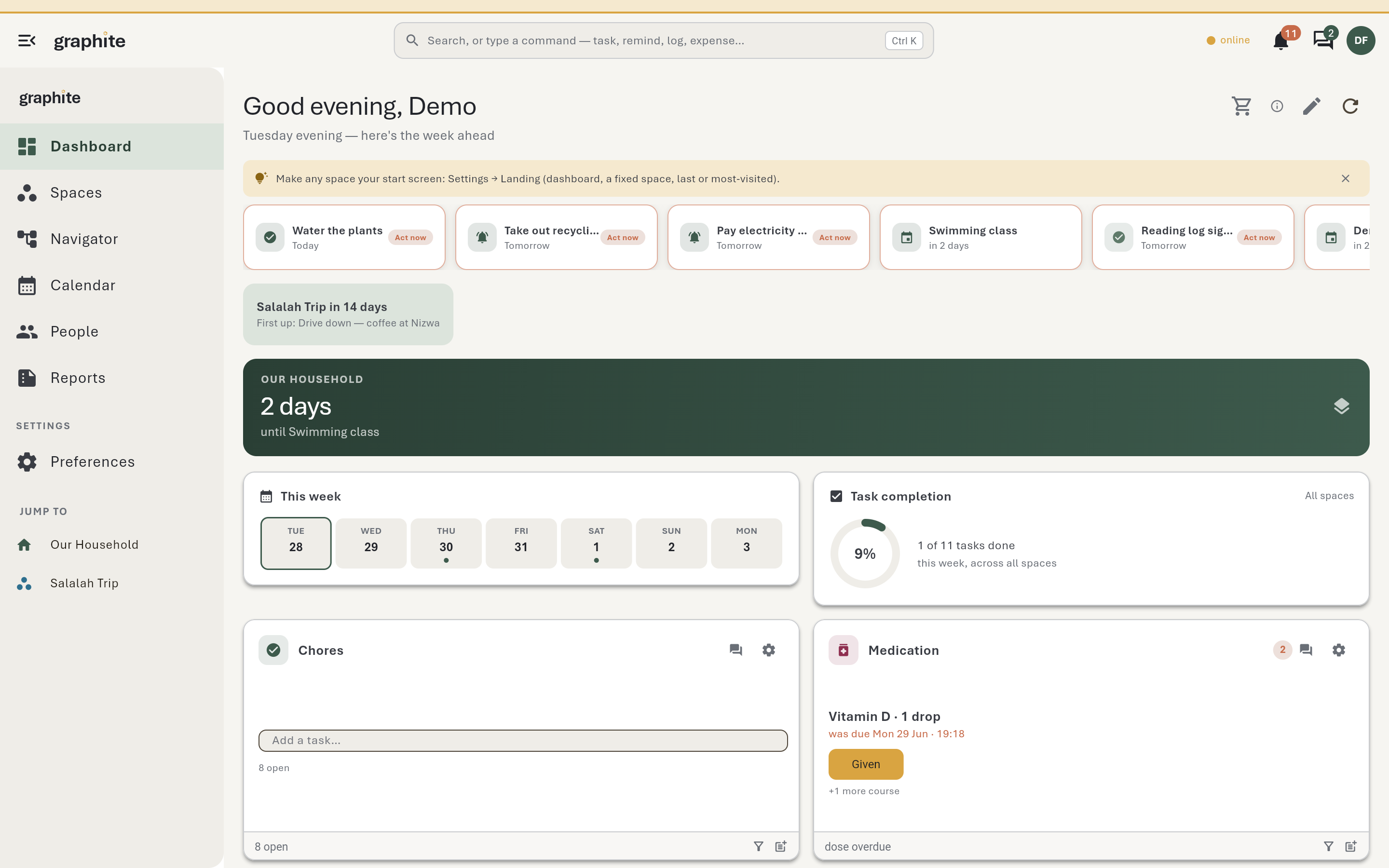
The dashboard in the Graphite theme
GRAPHITE · THE DEFAULT
The same dashboard in the Paper theme
PAPER · BRISTOL
08 · The voicequiet, precise, a little dry

It never shames you for changing your mind

What other apps say
You have 3 overdue tasks!
What graphite says
3 things still in pencil from yesterday. Redraw them for today?
What other apps say
Are you sure? This action cannot be undone.
What graphite says
Erased. It's in the Eraser for 30 days — restore anytime.
Nothing is permanent until you say so. Undo floats over every screen, deletes go to the Eraser, and edits never scold.
09 · Frequently askedthe honest answers
A life isn't planned in ink. It's sketched, smudged, erased and drawn again — graphite is the pencil, not the pen.
Is the demo really shared?

Yes — everyone who opens it edits the same household at the same time, which is the point: you can see collaboration working. It resets itself every three hours, so anything you change rolls back.

Do I need to install anything?

No. Graphite runs in the browser and works offline once loaded. Native Windows and Android builds exist for people who want them.

Can I keep my data?

Always. Export any Space as Markdown, mirror your whole workspace into Obsidian, subscribe to your calendar by ICS, or self-host the entire stack.

Is it just for families?

It's built for any group that coordinates: households, care teams, shared homes, small teams and operations crews. Spaces don't care what you call them.

Try the live demo SHARED · RESETS EVERY 3H · NO SIGN-UP